My TUIs
2024-07-05 Update These TUI apps are available in my open kiosk ssh service, connect like this:
ssh kiosk@apps.noulin.net
yes
My TUIs run in linux terminals and are built with:
- Sheepy (and libsheepy) - my build system
- Modified version of termbox
- My widget library (twid)
- Written in C
There are no dependencies besides sheepy and gcc.
The terminal font has to support unicode 15 for the TUIs using the 2x3 pixel characters and the terminal is configured for RGB 24 bit colors, when using terminal multiplexers (screen, tmux) you might not get 24bit colors.
The TUIs built on twid have these common key shortcuts:
F1     - Help (blue box on screen top)
q      - Quit
esc    - Quit/Close help
`      - Disable/Enable mouse
ctrl+/ - Change colors (c+7, c+-, c+_)
ctrl+p - Take a screenshot (as text)
I use i3 and I have shortcuts to start my TUIs on terminal windows, I start my calendar in the st terminal with Win/Cmd Key + d:
bindsym $mod+d exec st -e calendar
After sheepy is installed, the TUIs below are installed like this:
sudo spm -g install PACKAGE_NAME
On my laptop, it takes less than 16ms to start these TUIs.
Sheepy
Sheepy is a build system for using C as a scripting language like python. It takes less than 5 minutes to install sheepy on a machine:
apt-get install gcc git
git clone https://spartatek.se/git/sheepy.git
cd sheepy
sudo -H ./install.sh
I noticed some people have issues with git clone.
I cant clone sheepy
An alternative is too download this tar file: Sheepy and Libsheepy repositories (45MB)
And then run:
tar xf sheepyAndLibsheepy.tar.gz
cd sheepyAndLibsheepy/sheepy/
sudo -H ./install.sh
The readme has more details. Sheepy Readme
tetris
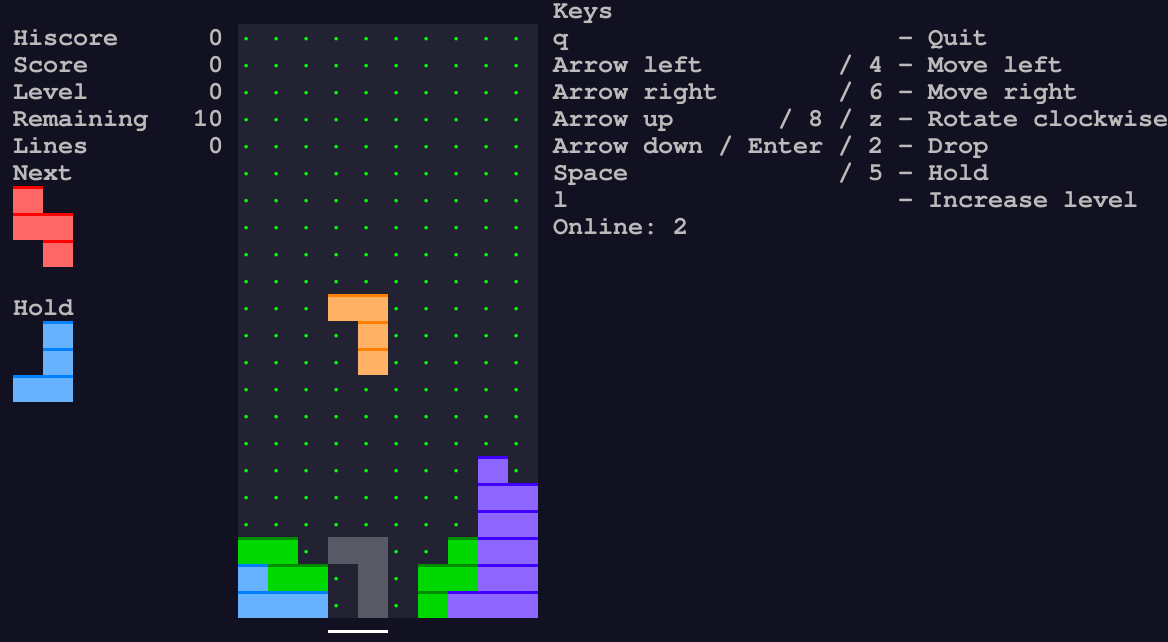
tetris is a multiplayer tetris clone. When a player clears a line, a line is added to the other player's boards.
Players can join and leave the game at any time. On the right side of the screen there is the online player count.
The networking system uses unix sockets, multiple instance of tetris on a single are automatically connected to each
other.
To play in network, first player start tetris on his machine, other players connect with SSH to first player machine and start tetris.
Install with spm:
sudo spm -g install tetris
mosaic
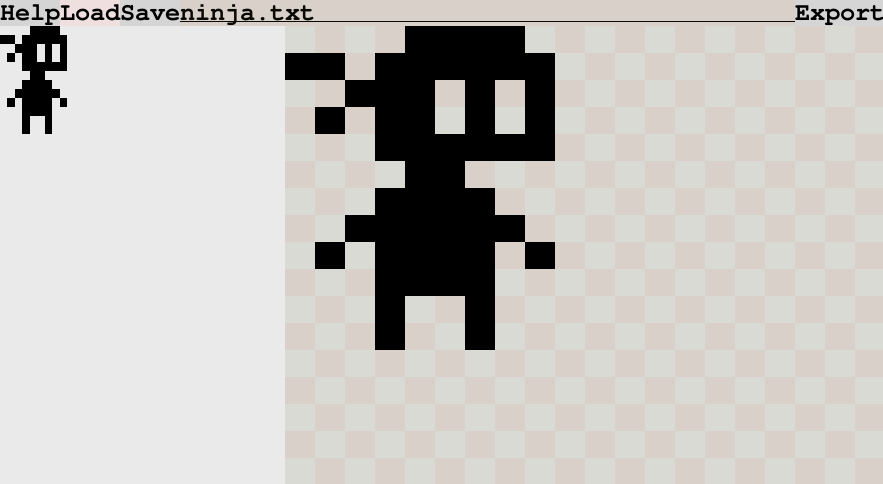
mosaic is a 1-bit per pixel image editor.
It generates images using 2 by 3 square unicode characters. They are regular unicode text (encoded in utf8), like this (it looks broken in firefox):
🬋🬵🬝🬝🬓
🬁🬉🬺🬌🬄
🬞🬫█🬛🬏
 ▐🬂▌
It also saves images as one character per pixel:
    xxxx
xx xxxxxx
  xxx x x
 x xx x x
   xxxxxx
    xx
   xxxx
  xxxxxx
 x xxxx x
   xxxx
   x  x
   x  x
mosaic can only load one character per pixel files.
The text field on top of the interface is the filename for the file to load, save or export.
- save stores the image as one character per file, it can be loaded with load
- export stores the image as unicode characters encoded in utf8.
Install with spm:
sudo spm -g install mosaic
ink
ink is a tui markdown text editor with an emoji virtual keyboard.
ink takes the file to edit as an argument:
$ ink filename
When ink is started without argument, it will open the last edited file.
To start with an empty file, create it with touch and then open it with ink:
touch newfile.md
ink newfile.md
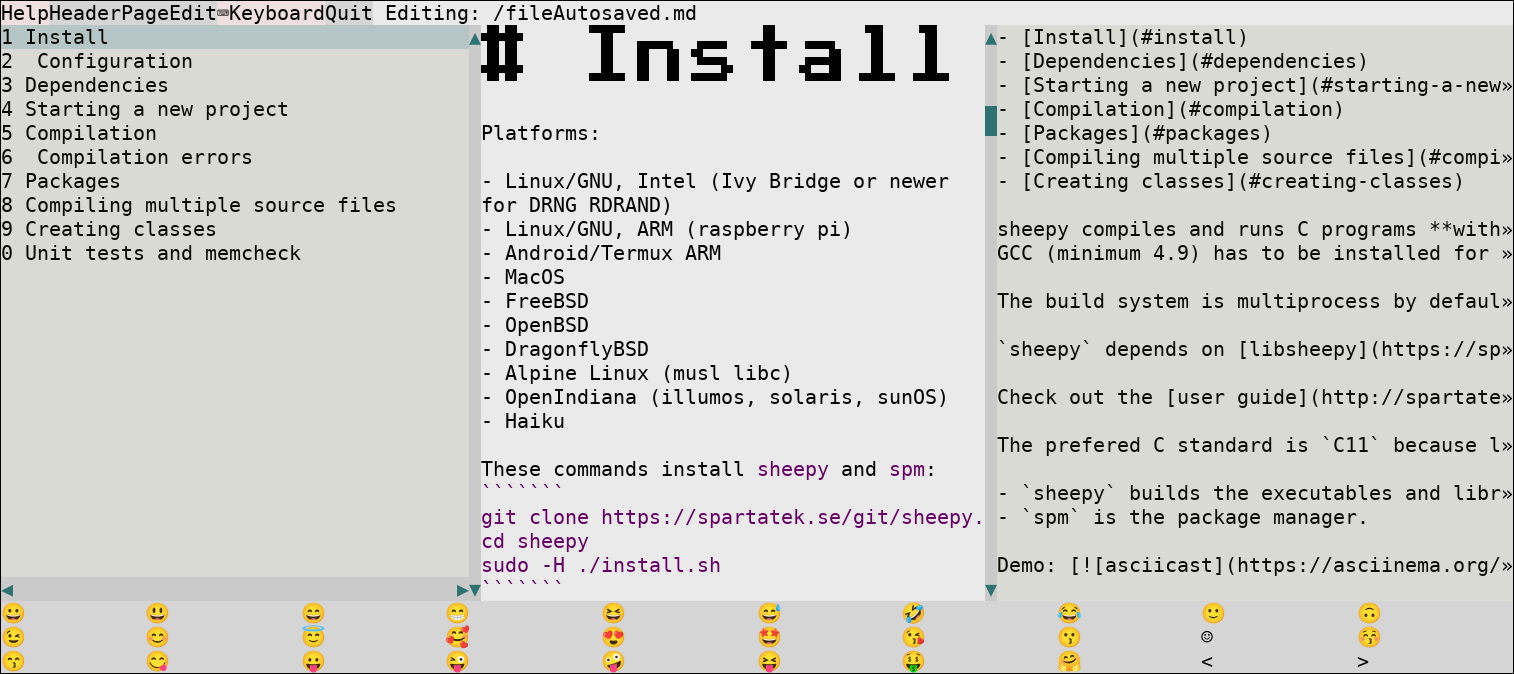
The edits are saved immediately on disk. On the top line, there are buttons to show or hide the panels below.
- The left column is the header list: lines starting with #
- The middle column is the rendered markdown
- The right column is the editor
- At the bottom, there is the virtual emoji keyboard
ink depends on libsheepy 2.2.15 (2024-10-24).
When libsheepy is already installed, run git pull;./make.sh to update.
sudo spm -g install ink
alimer
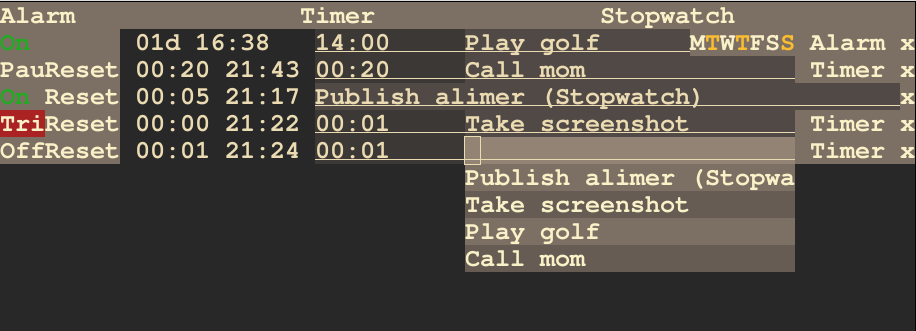
alimer is a tui that has a list of alarms, timers and stopwatches.
The alarms have weekly repeat, the timers and stopwatches can paused.
The state of the app is saved on disk and restored when starting again.
sudo spm -g install alimer
paku paku
paku paku is a 1D Pacman game created Aba games, to play it tap any button (except q) to turn. Press q to quit the game.
It is a one button game.
Original paku paku game (javascript)
I reimplemented paku paku in C for the terminal (a font with unicode 15 is required to display correctly).
sudo spm -g install pakupaku
Precompiled executable for linux
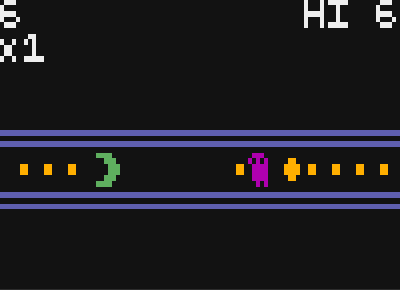
Video of paku paku running on the librem5 phone
Wikipedia article about Aba games
Missile Command
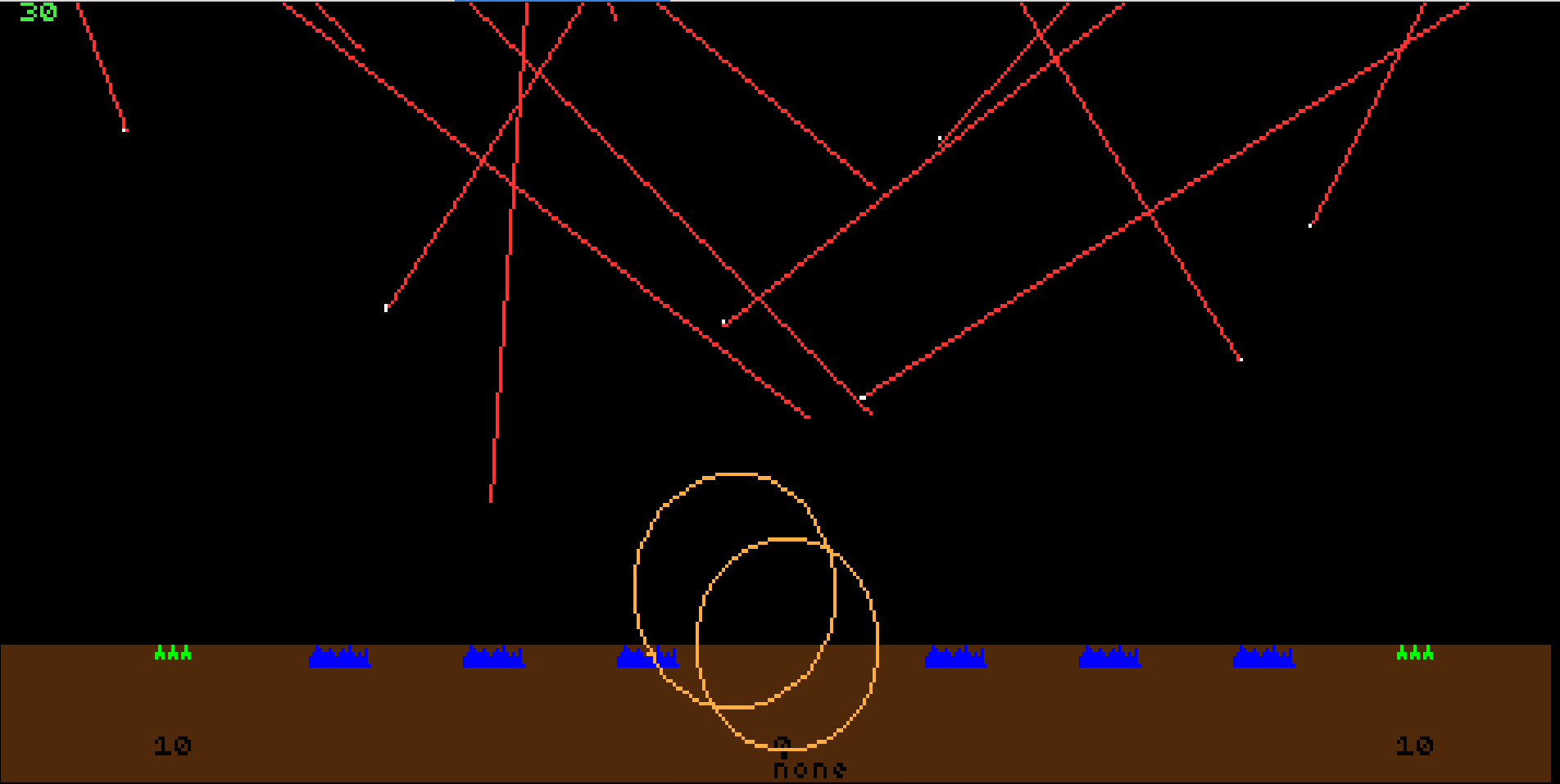
Missile Command is a clone of the Missile Command arcade game.
I modified the code from https://github.com/johnflakejr/MissileCommand to run in the terminal.
sudo spm -g install missileCommand
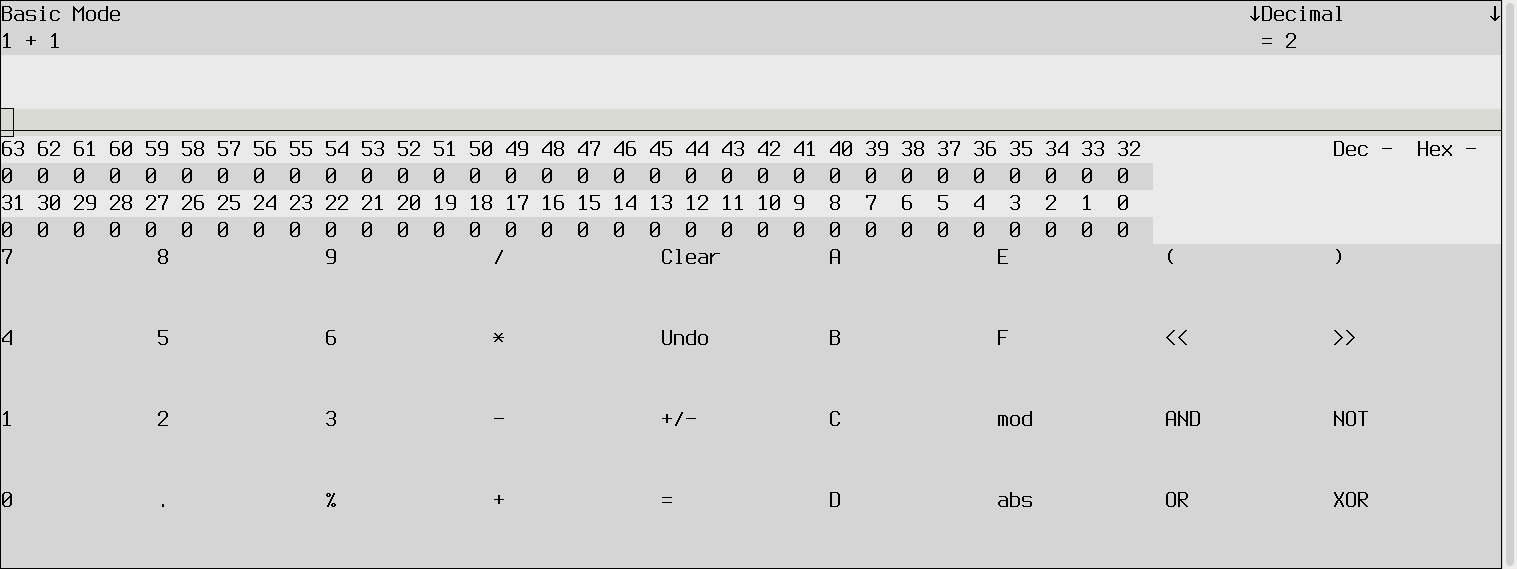
tcalc - terminal calculator
Basic tui calculator like the gui calculators. It has decimal, hexadecimal and binary numbers.
sudo spm -g install tcalc
manviewer
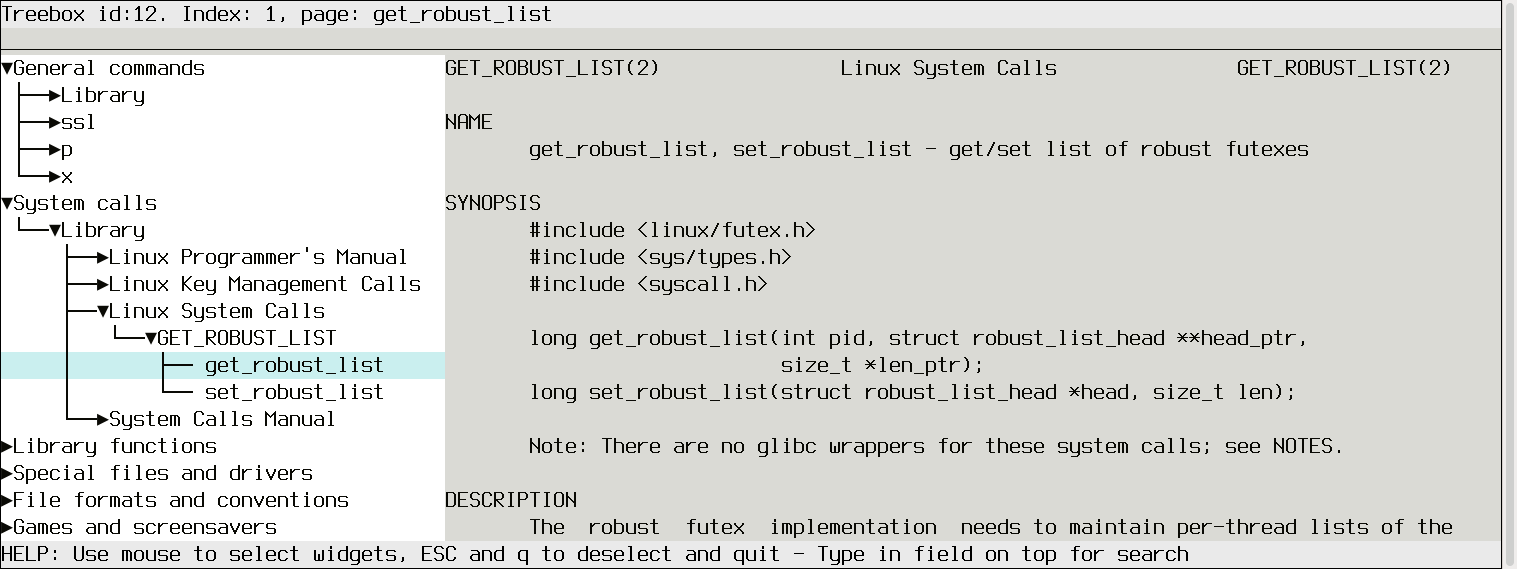
manviewer shows the man pages in a searchable tree (like a file explorer) for easy navigation.
sudo spm -g install manviewer
calendar
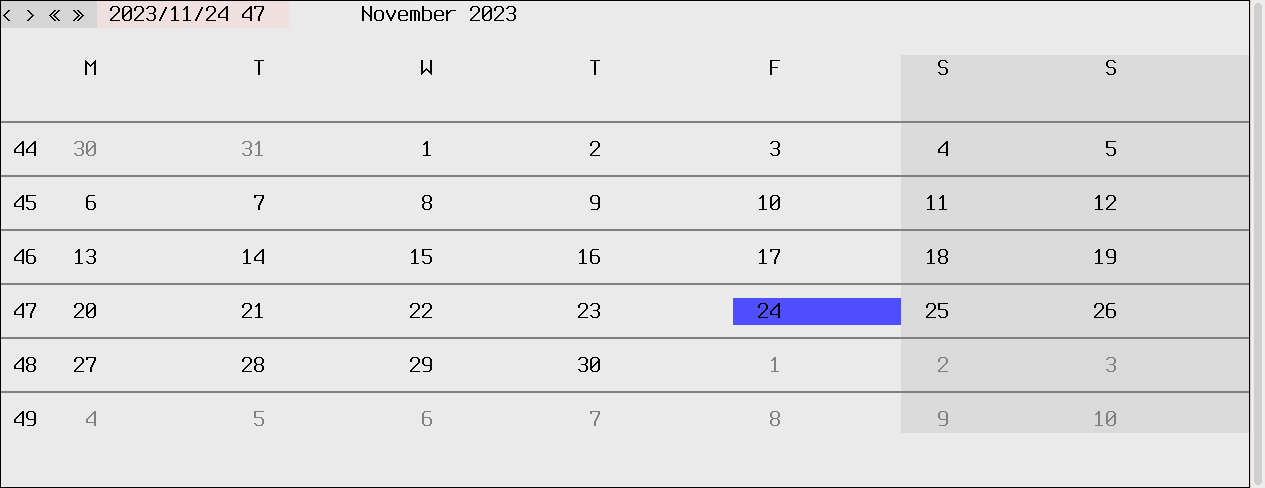
Calendar shows a month and highlights today's day. Use arrows to change month and year. Calendar supports small screens (5-6 inches).
sudo spm -g install calendar
radio
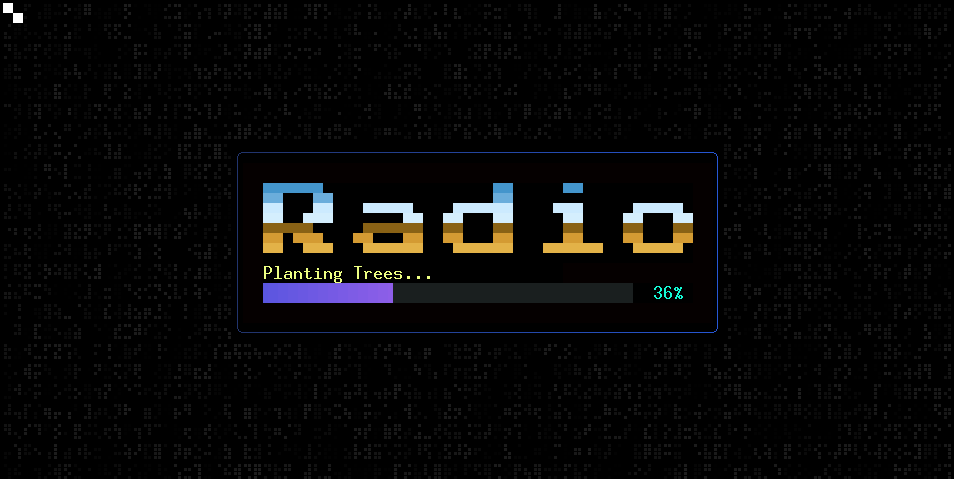
radio is an encrypted chat system using UDP to transport the messages. There is only one broadcast channel.
 Precompiled executable for linux
Client source code
Precompiled executable for linux
Client source code
patate
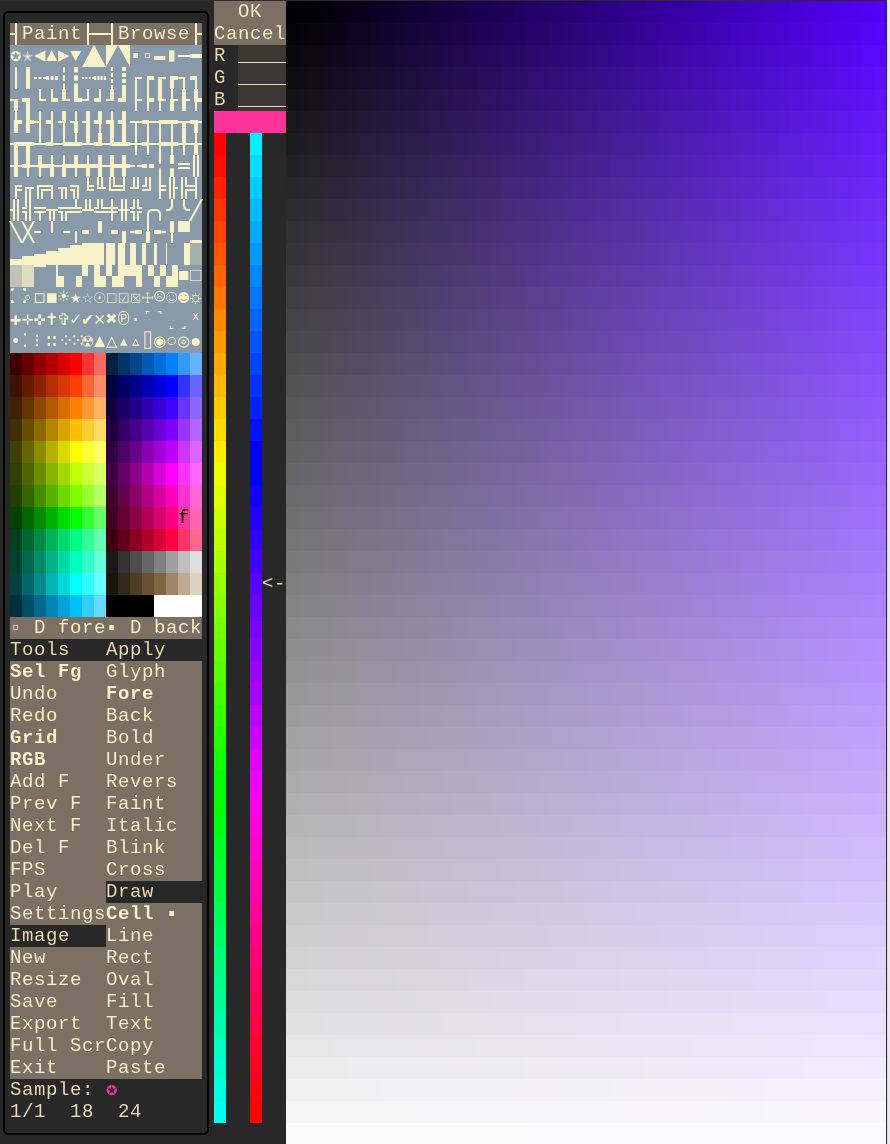
patate is an ascii art editor. It supports unicode, RGB colors, animations...
 patate homepage
sudo spm -g install patate
bato
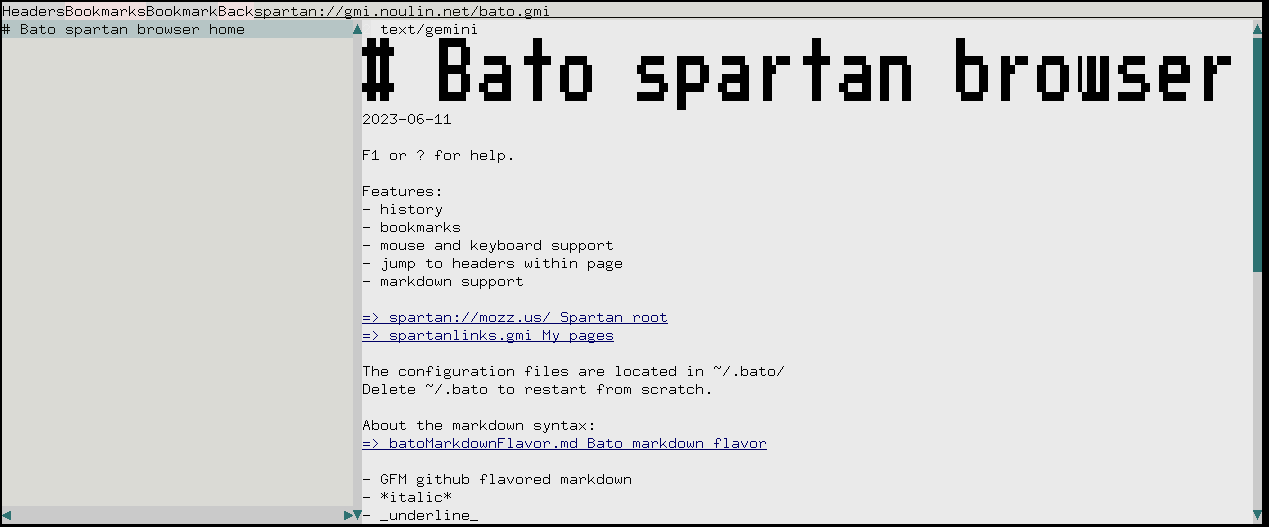
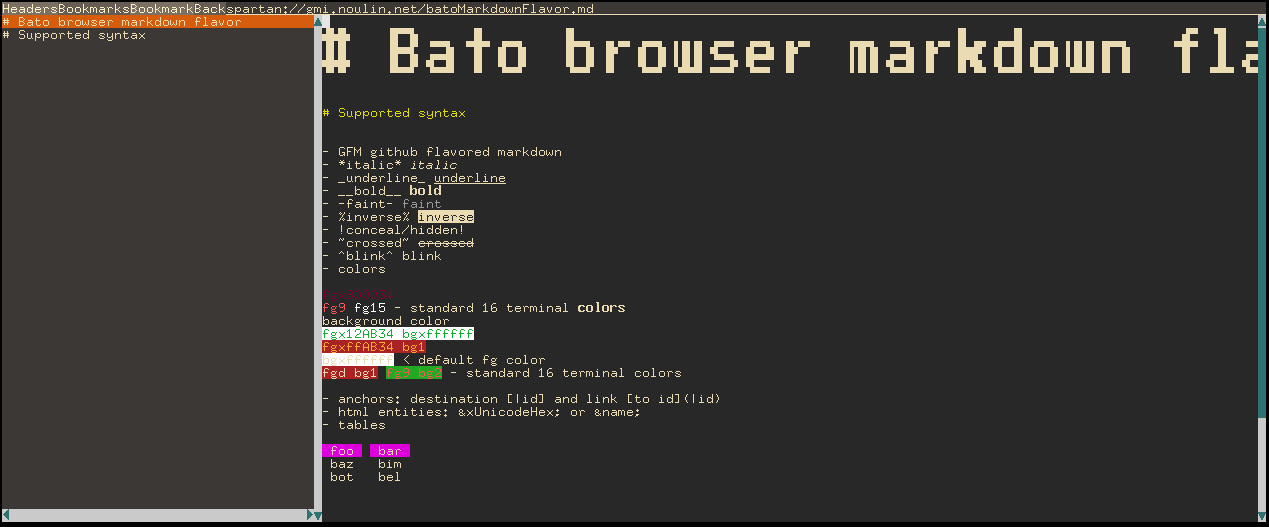
bato is spartan and gemini tui browser for terminals. It can parse gemtext and markdown and browse files on local disk.
bato depends on openssl for gemini.
 bato.gz (gziped elf executable)
sudo spm -g install bato
heure
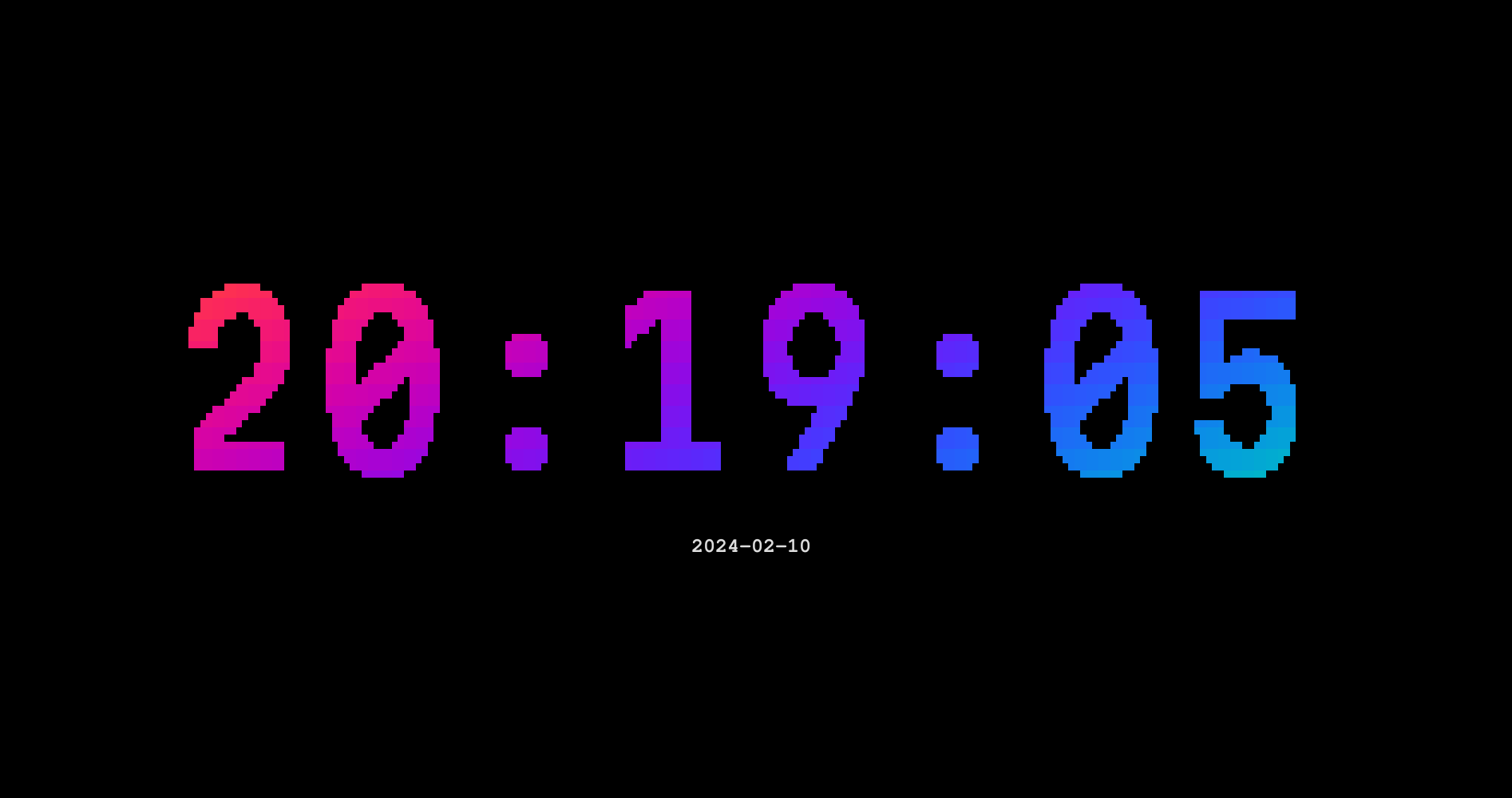
heure is a clock similar to tty-clock.
sudo spm -g install heure
mandelbrot
mandelbrot is a mandelbrot fractal set explorer.
 mandelbrot homepage
sudo spm -g install mandelbrot
clop
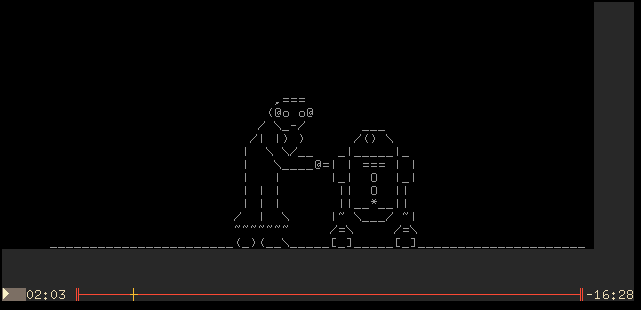
clop is an asciinema player in the terminal.
sudo spm -g install clop
timer
Timer shows a progress bar.

sudo spm -g install timer
plasma
plasma is a TUI showing the plasma demo effect.
Plasma effect article on wikipedia

sudo spm -g install plasma
sip
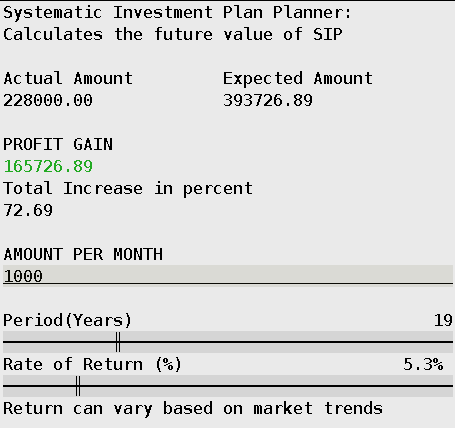
sip is a Systematic Investment Planner. Enter the monthly investment, the period in years and the average yearly rate of return.
sudo spm -g install sip
Hashtag #tui